
Six things, every day
Lock in your goal before every shift
Shift DistributionEvery shadowing you host is in the Calendar
Calendar › Add eventYour chatters log theirs. You check them
Calendar › My teamFeedback, homework and 1:1s go in the same day
Chatter Reports › Add sessionEvery chatter has the right status
Chatter Reports › StatusKnow every chatter’s numbers
Reports · My TeamYour own shift

Your creators and the goal for each
Click “Lock in” before the shift starts
Done when it looks like this

Joined another coach’s shadowing? Click “I attended”
You can join any session. No weekly target for coaches.
Host a shadowing
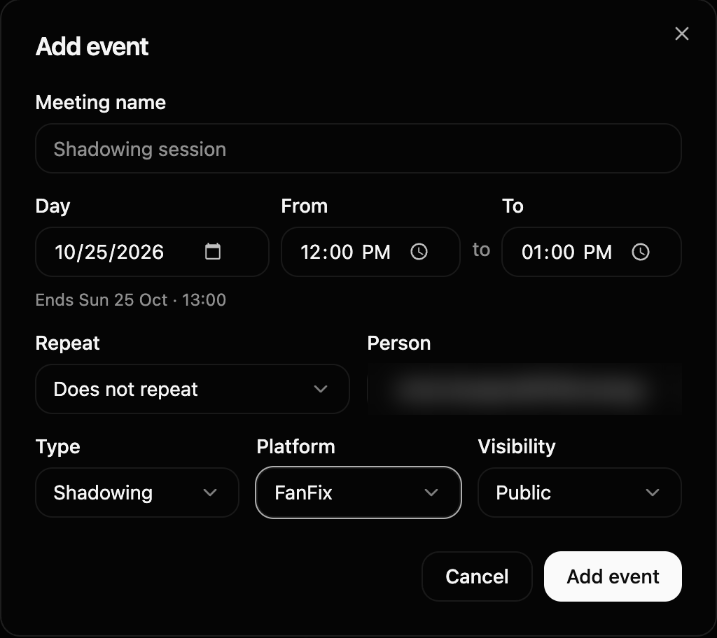
Whose session it is
For example “Omar’s shadow”
Day and time
Repeat: your fixed slot every week
Shadowing · FanFix · Public
Switch Platform to FanFix, it starts on OnlyFans. Public: every team can join
Add it before the session starts
 Enlarge
Your team at a glance
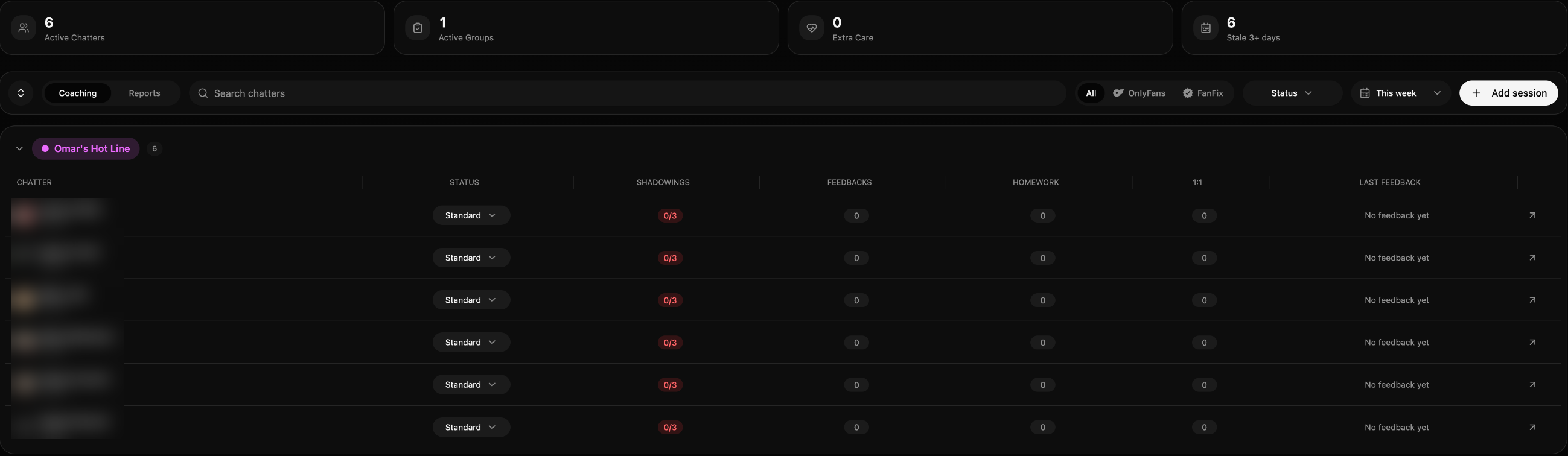
Status
Sets his weekly target
Shadowings
Red until he hits it
Your sessions
This week
Last feedback
Add session
Next chapter
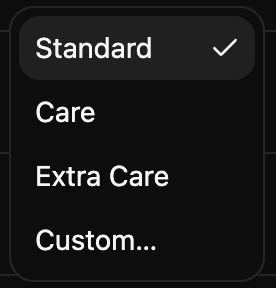
Add every session the same day
 Enlarge
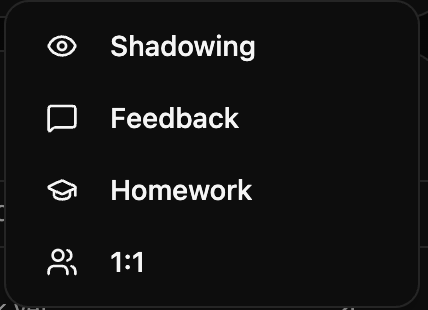
Feedback
Your notes on his chats
Homework
A task with a due date
1:1
Your call with him
Shadowing
Only if he couldn’t log it himself
He sees your feedback and homework on his dashboard under “My coaching”.
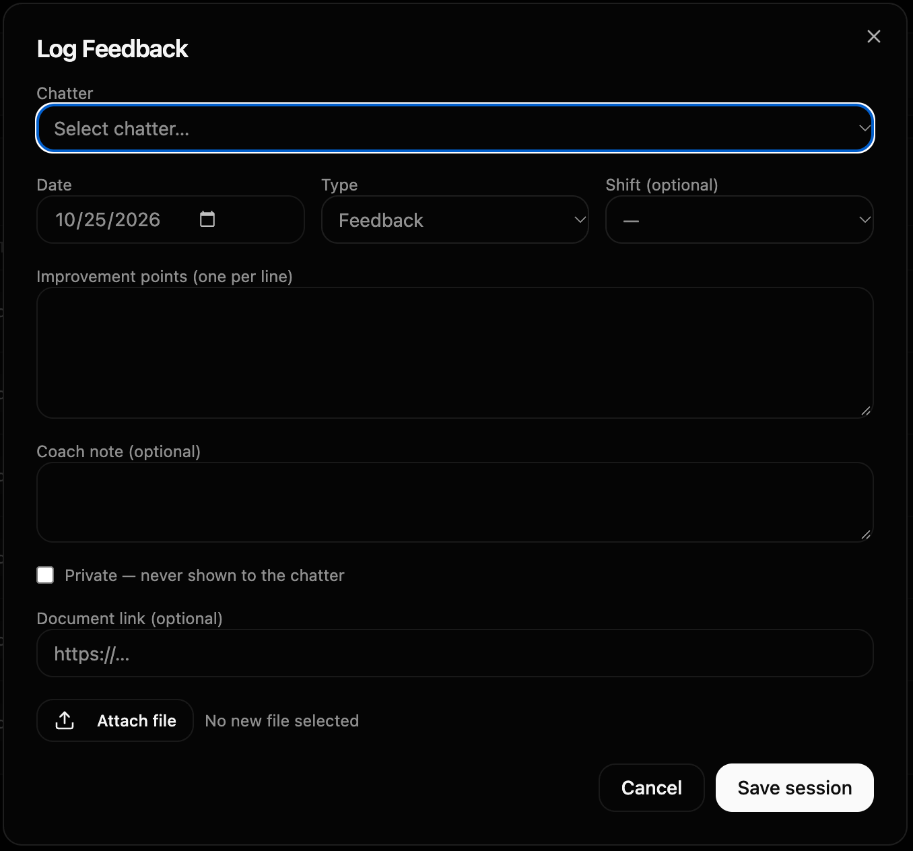
Pick the chatter
One point per line
Private: only you see it
Save session
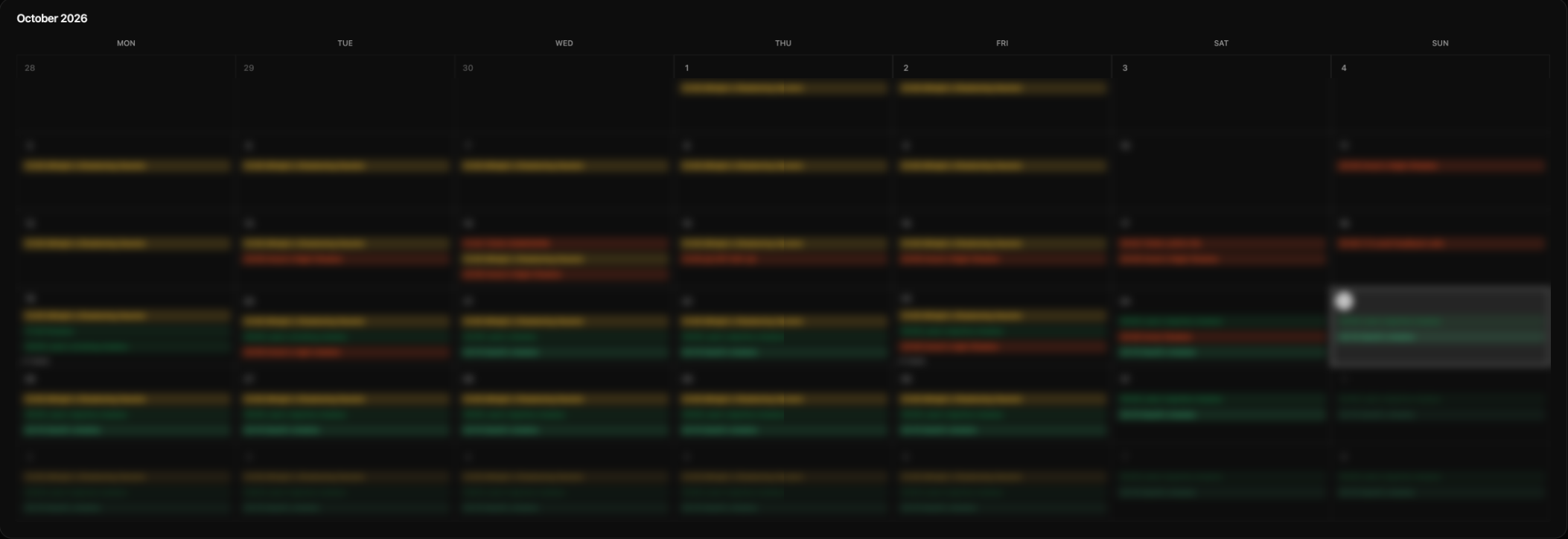
Check your team’s shadowings
Calendar › My team · this week
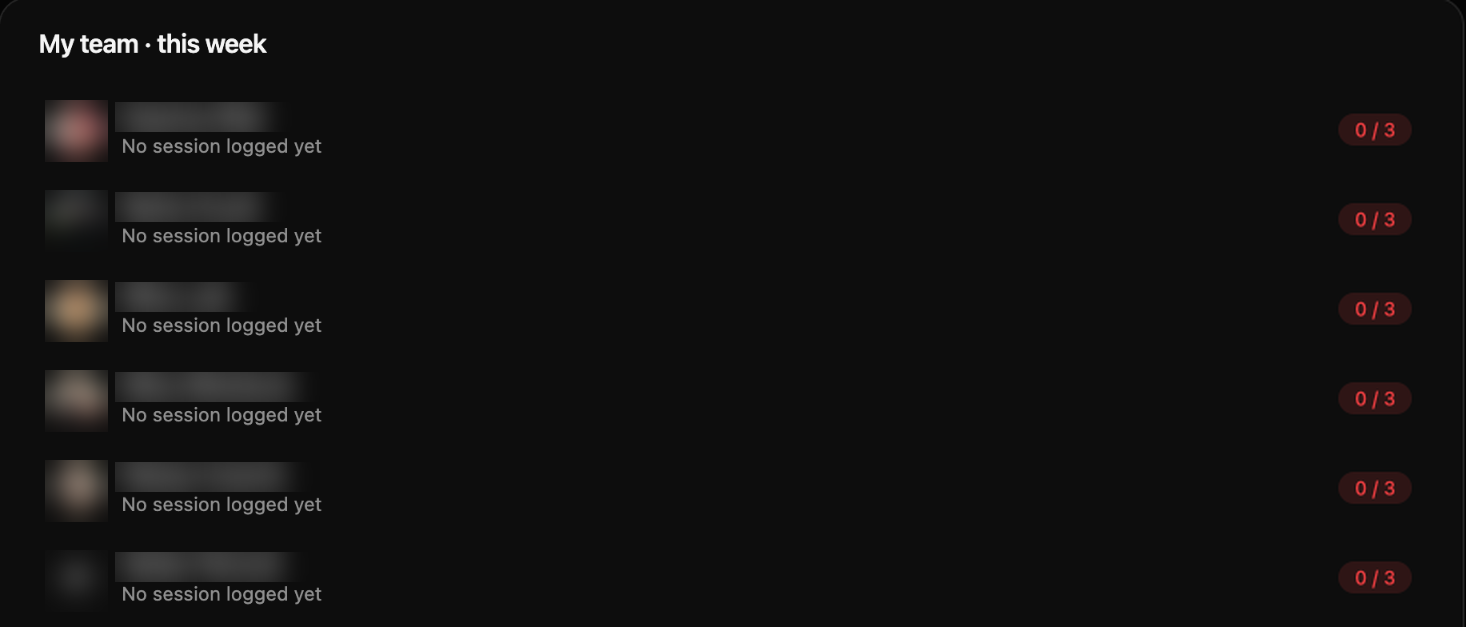
Every session he logged, with the date
His count against his target
Green: done. Red: not yet.
What he saw, and what he’ll use next shift
“.” · “good session”
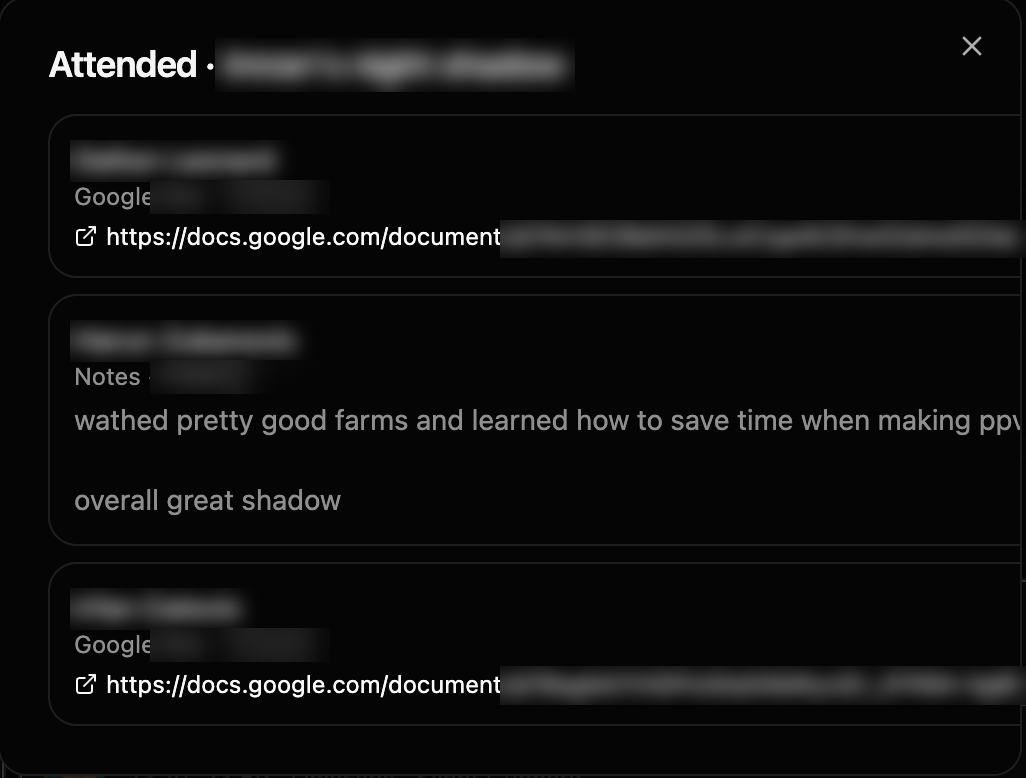
Your own sessions: click “Attended”
Your team’s numbers
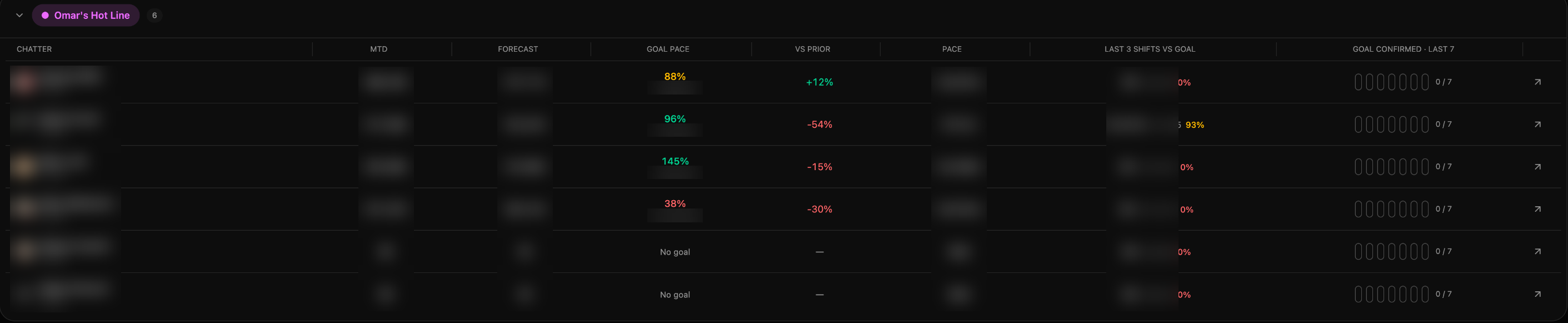
Month so far and forecast
Goal pace
Last 3 shifts vs goal
Goal confirmed · last 7
Did he lock in before the shift
His profile
Every chatter’s data

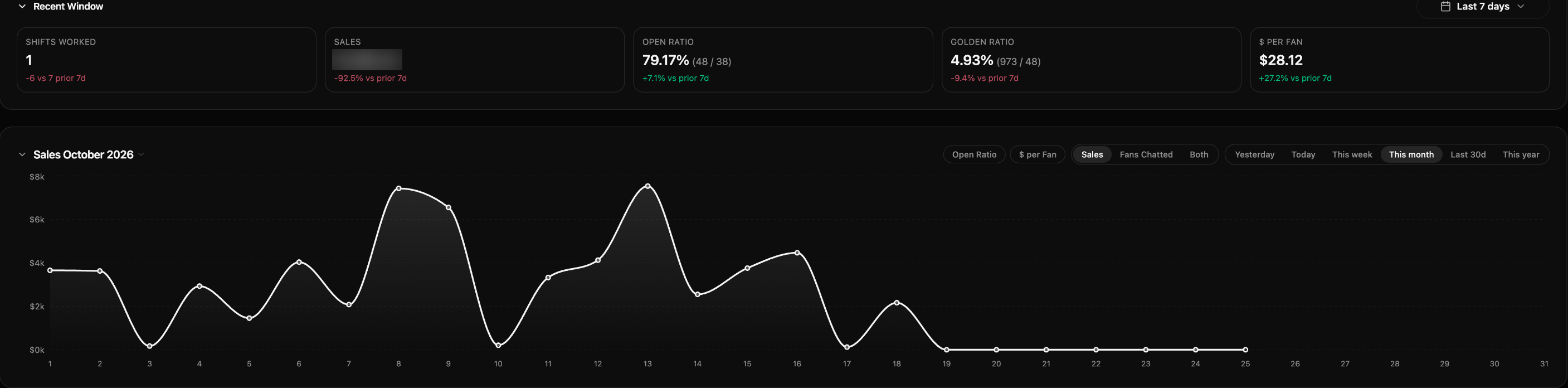
Data, Distro, Notes
Pick the month
His month at a glance
Green dot: good. Red dot: work on it.
Last 7 days against the 7 before
Switch the chart
Sales, open ratio, $ per fan, fans
My Team, or the arrow on his row in Chatter Reports.
Your numbers are on your Dashboard.
Every shift, every creator
Data › Shift Database
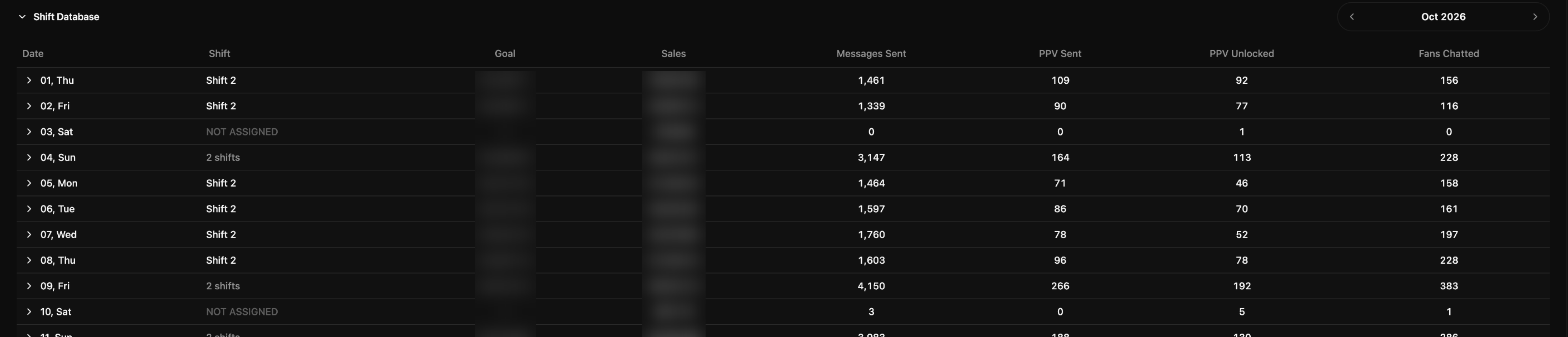
Every shift he worked: goal, sales, messages, PPVs, fans

How he does on each creator
Open ratio, golden ratio, $ per fan, CVR
First version for Fanfix: your team, the distro, the numbers and coaching are now in the HQ.